Search Console vs. Analytics: What Webmasters Actually Watch
A service business owner opens Google Search Console on Monday morning, sees a handful of search clicks, and then switches tabs to Google Analytics only to find ten times as many sessions. The immediate assumption is that one of the tools is broken. It is one of the most common questions site owners ask in analytics forums [1].
Neither tool is broken. They are simply standing at different doors.
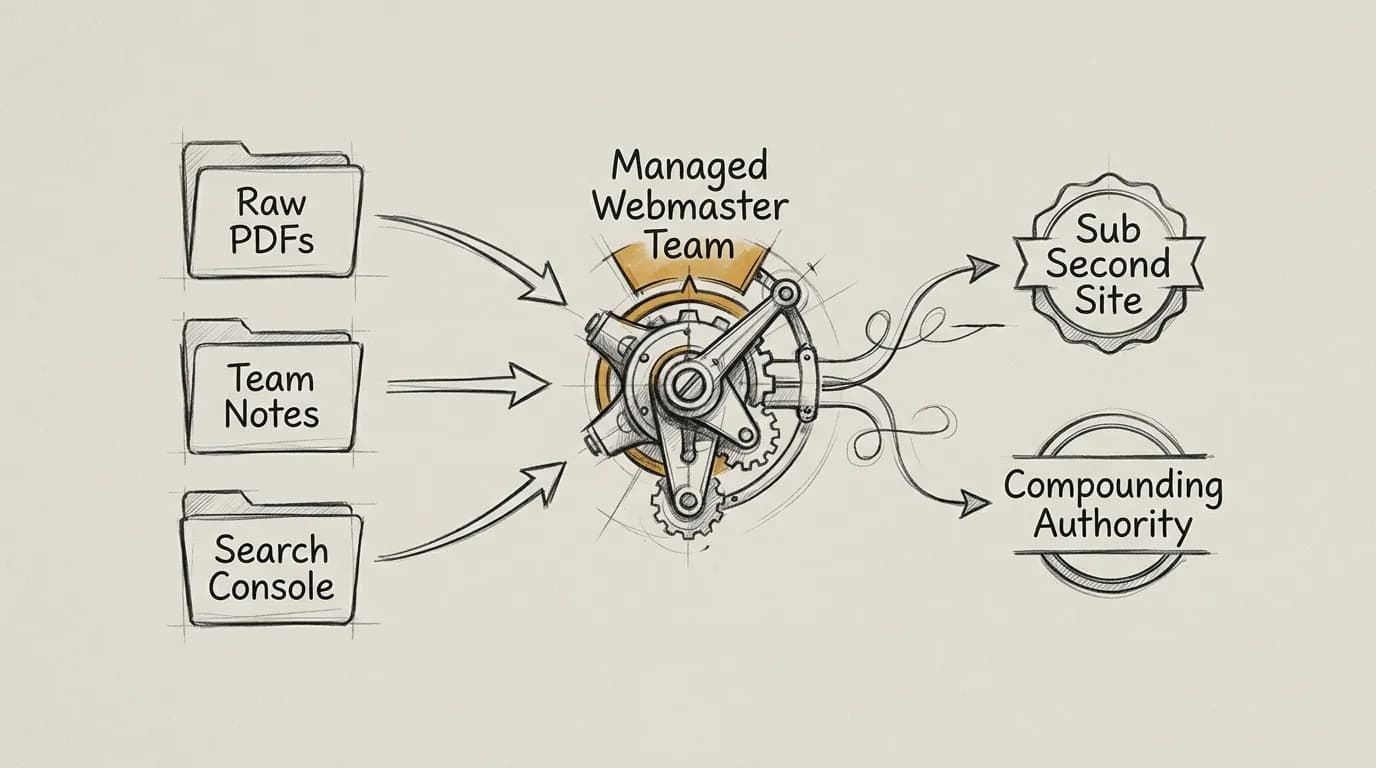
Running a business is very different from running a website. Webmaster upkeep is boring work. If you have the aptitude, love tinkering with AI tools, and your schedule leaves room for it, managing it yourself can work well. For most service operators, though, daily client work leaves zero margin to babysit search consoles, webmaster entries, and tracking scripts. Even when an owner is eager, a team that monitors these signals every single day through Human and AI collaboration builds pattern recognition you cannot execute on vision alone.
Why Search Console and Analytics Never Match
Google Search Console measures what happens before someone reaches your website. It tracks how often your pages appear in Google Search, which queries triggered them, and how many people clicked through [2]. Because Google logs those clicks on its own search results page, Search Console does not depend on browser JavaScript, omits rare anonymized queries for privacy, reports on Pacific Time, and carries a two to three day processing lag [2].
Google Analytics (GA4) measures what happens after someone lands on your site. It tracks visitors arriving from every channel (direct links, referrals, email, social media, and search), and it relies on a tracking script running inside the visitor's browser [2]. If a visitor blocks scripts, returns directly via a bookmark, or arrives from an industry directory, Analytics counts the visit while Search Console stays silent.
Understanding that split stops teams from chasing phantom bugs when they look at why a website stops generating leads.
Regional Webmaster Tools, AI Feeds, and Plugin-Free Publishing
Watching search signals goes beyond a single dashboard. Depending on where your customers are located, we monitor Google Search Console, Bing Webmaster Tools, and Yandex Webmaster to see which questions and topics your buyers are searching for and where pages can be improved.
Inside Search Console, the Search Console Insights report surfaces which pages are trending up and which ones are slipping [3]. We pair those signals with your raw expertise: you are the domain master of your business, and when you dump notes, client questions, or observations asynchronously, we combine them with verified research to strengthen your authority.
We also optimize for AI agents, where robots.txt rules and structured feeds matter more every month. Because our blogging system is owned and built in-house with zero third-party plugins to install, it is engineered at its core for SEO, GEO, and AEO. Every piece of content we publish joins that structured feed automatically without bolting on another utility.
Why Not Every Metric Moves at the Same Pace
You do not need to stare at live traffic graphs every afternoon, and not every metric deserves the same cadence. Some checks belong on a calm weekly, bi-weekly, or monthly rhythm, such as reviewing trending queries, refreshing older pages, verifying sitemap.xml and canonical tags, and auditing noindex flags or broken links.
Other moments demand immediate emergency attention. Once a site attracts real traffic, it faces real threats that a quiet static brochure site never sees, such as a sudden bot breakout, a form spam surge, or an active site attack. Knowing which signals can wait for a monthly review and which ones require same-hour intervention keeps your site fast and your inquiry forms clean.
If you would rather hand off search console monitoring, webmaster entries, and emergency traffic checks to a dedicated team:
Get a managed service website built for speed and steady weekly upkeep.
Configuring Analytics and Pixels Early Without Slowing Your Site
Even when a service company is not running paid campaigns yet, setting up analytics and pixel plumbing in the earlier months ensures your visitors and inquiries are already tagged before you ever spend a dollar on ads. Modern ad delivery and retrieval systems, such as Meta Andromeda [4] and Google Ads Smart Bidding [5], rely on healthy conversion and audience data to learn what your real buyers look like. When your site already holds clean historical data on who converts, those platforms are far more likely to find similar customers the moment you decide to launch ads.

The trap we see on older business websites is tag bloat. Every extra marketing script pasted into a site header competes for network bandwidth and main-thread CPU time, which drags down Core Web Vitals like Largest Contentful Paint and Interaction to Next Paint [6]. Google Tag Manager enforces a 300 KB container limit, and a lean setup keeps that container well below it by removing unused legacy tags and firing non-essential scripts only after the main page content has loaded [6].
When we build a managed website for service businesses, we treat tracking like plumbing: lightweight, verified, and invisible to the visitor.
Go Ahead and Win Your Business
Even when you know how these tools work, deciding what to delegate and what to keep is a core business choice. Watching Search Console, Analytics, regional webmasters, and tracking pixels is boring work, but it is essential for steady growth. We handle the technical upkeep and monitoring so you do not have to. Go ahead and win your business; we have got your back.
If you want your website, analytics, and boring webmaster upkeep handled without lifting a finger:
Explore Simple Intake webmaster management for sub-second speed and clean tracking.
References
- r/GoogleAnalytics: Why GA4 and Google Search Console show different numbers
- Google Search Console Help: Performance report data discrepancies
- Google Search Central Blog: The new Search Console Insights report
- Engineering at Meta: Meta Andromeda Next-Gen Ads Retrieval
- Google Ads Help: About conversion goals and Smart Bidding
- web.dev: Best practices for tags and tag managers